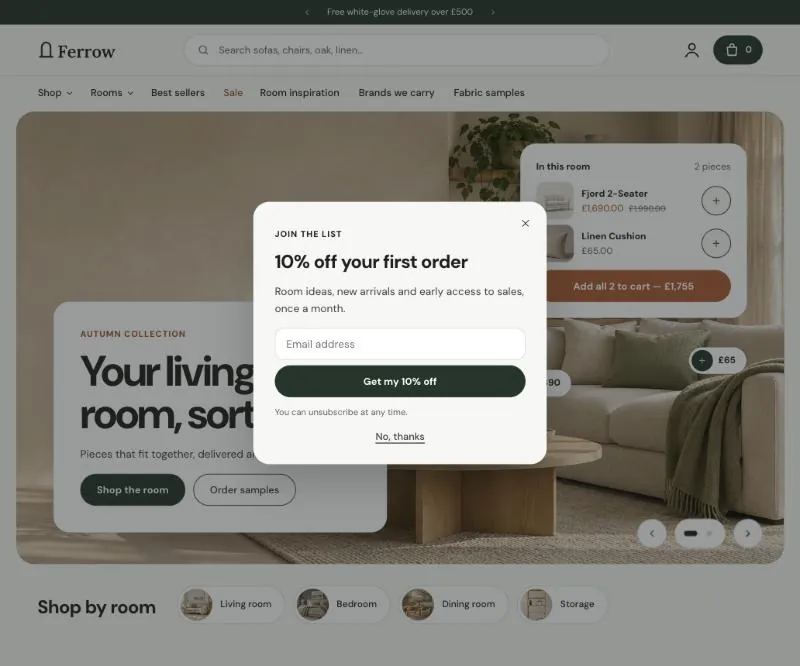
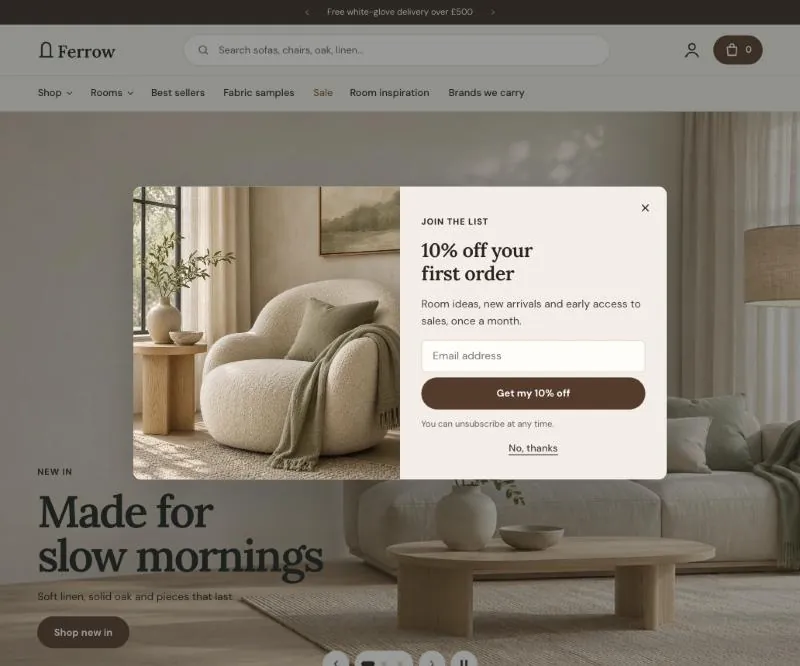
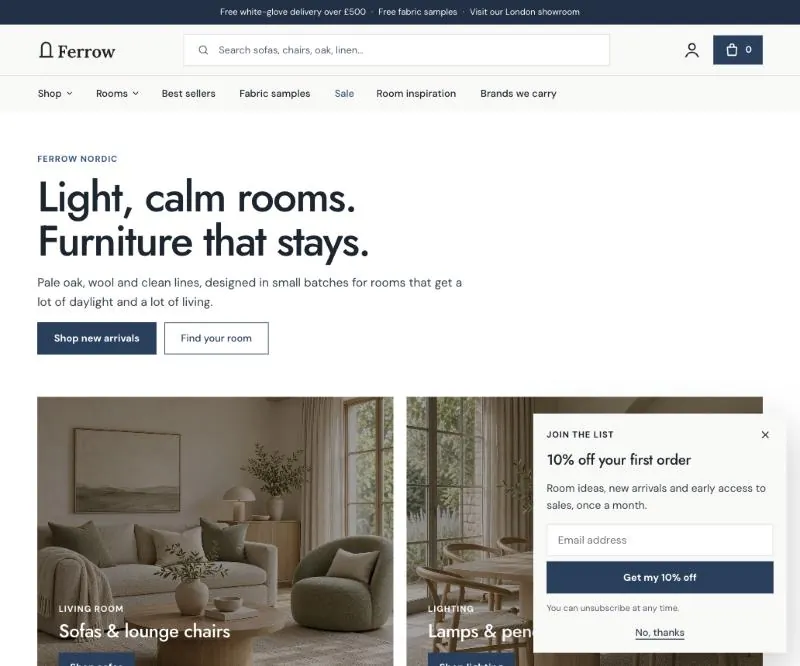
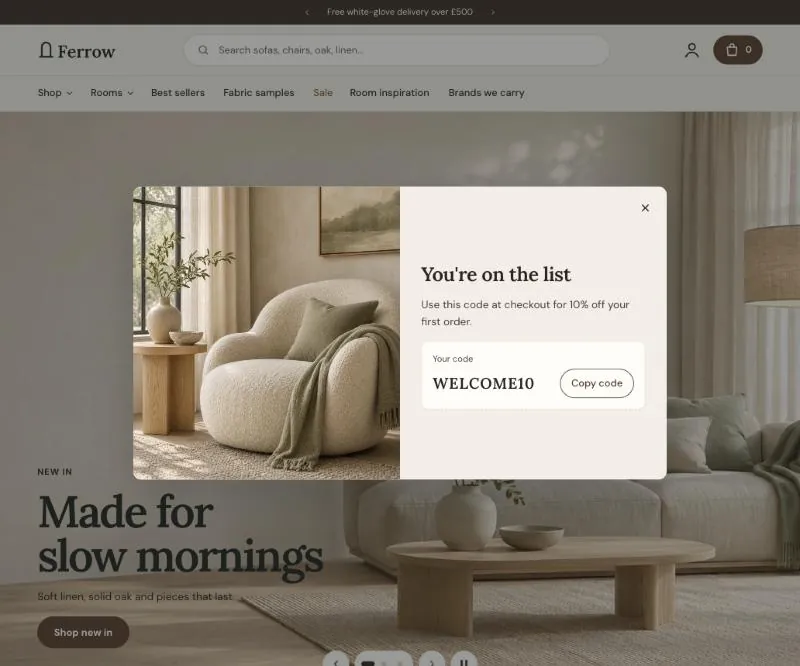
Alcove sections

Every section in the theme, with the layouts and styles you can choose in the theme editor. All screenshots come from the three demo stores. Under Also possible you'll find styles the demos don't use, captured on the same stores with the setting changed.

70 screenshots

Hero and room hotspots

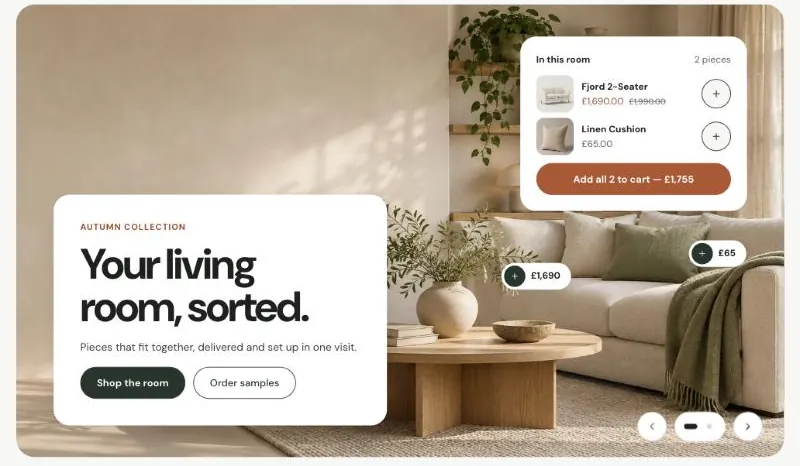
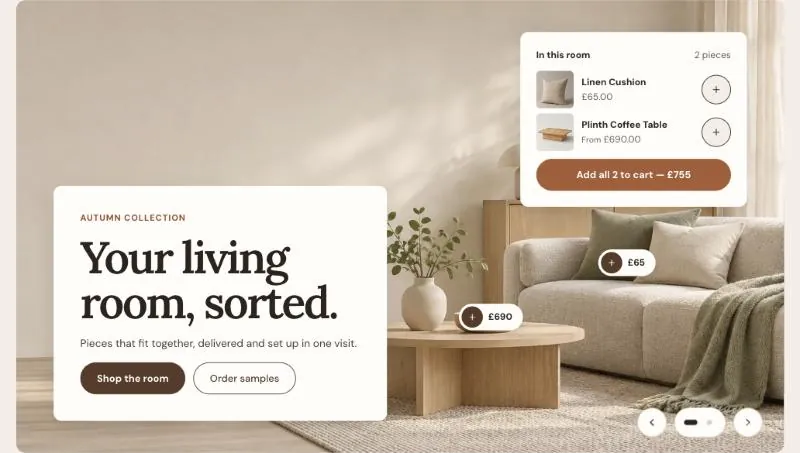
A room photo with priced pins. Customers add pieces without leaving the photo.

Read the docs for Hero and room hotspots
Hero with room hotspots in the Alcove demo store
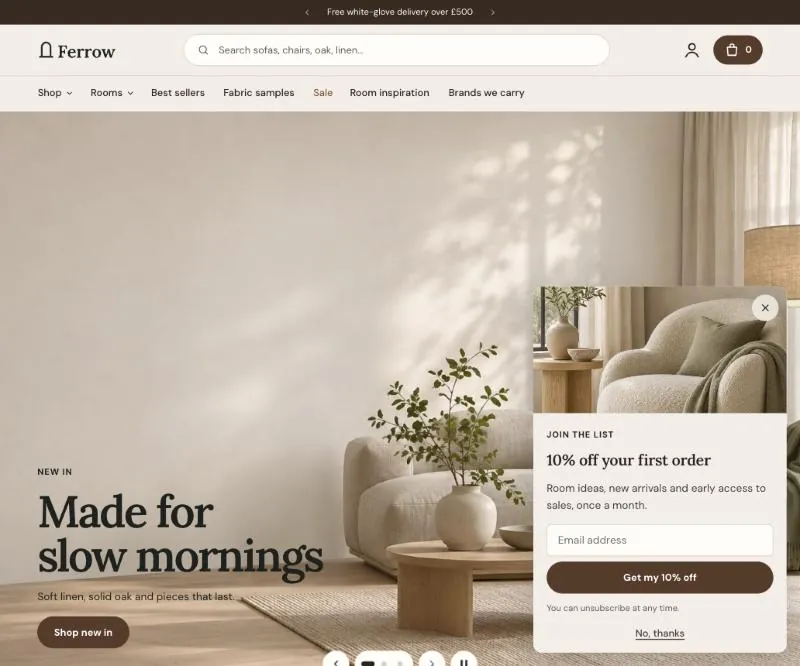
AlcoveHero with room hotspotsText card on the left, "In this room" card on the right.
Hero with room hotspots in the Warm demo store
WarmHero with room hotspotsSame section in the Warm preset.
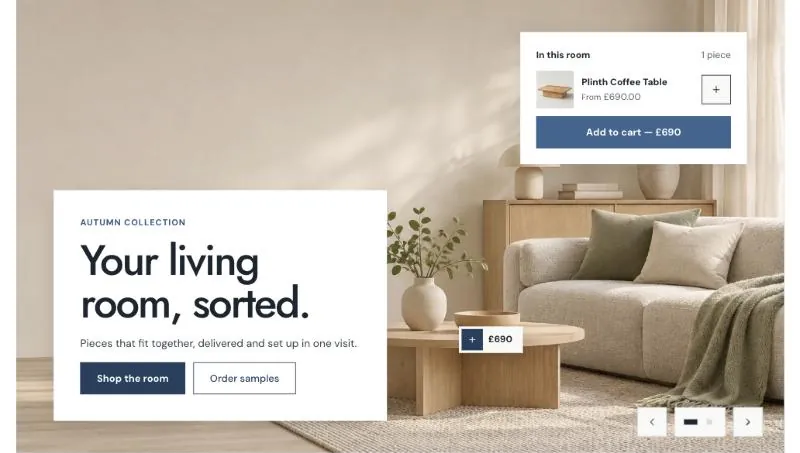
Hero with room hotspots in the Nordic demo store
NordicHero with room hotspotsSquare cards and a solid add-to-cart button.
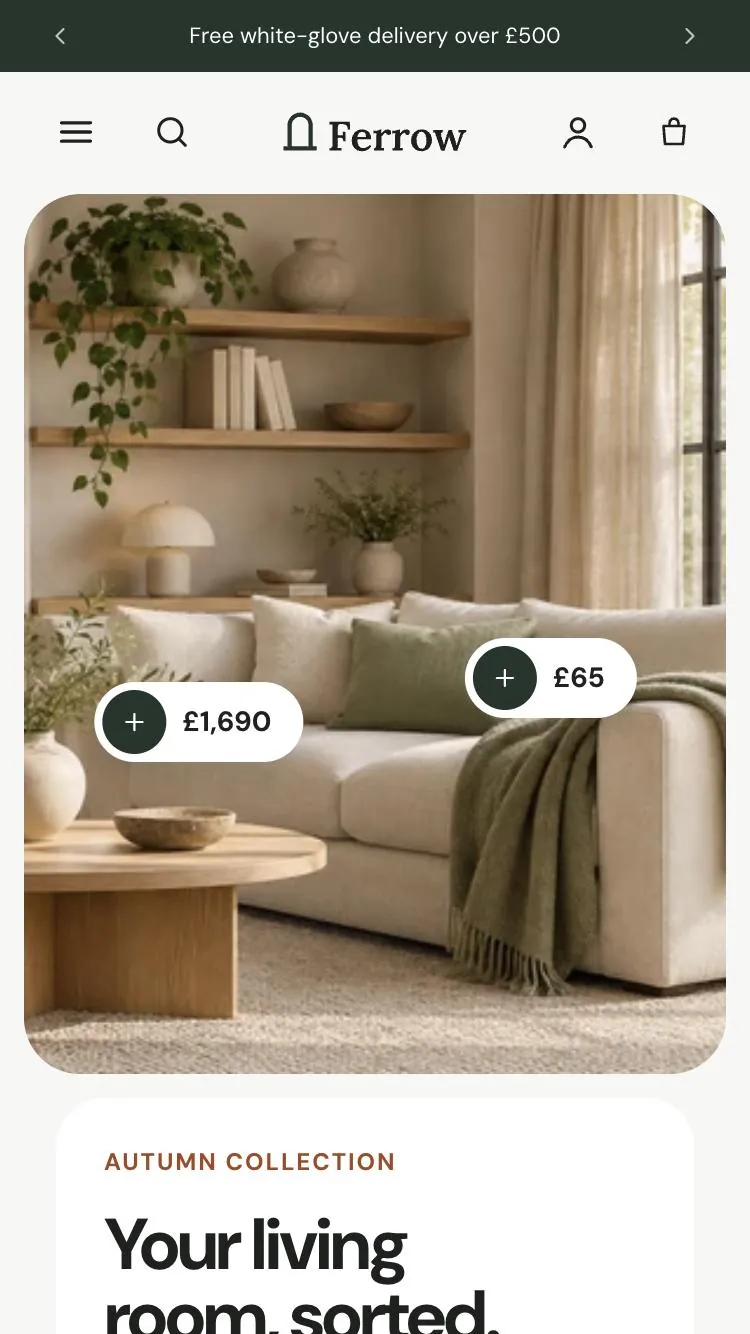
On phones in the Alcove demo store
AlcoveOn phonesFrame pins on phones: on. The photo is cropped so every pin stays in view.
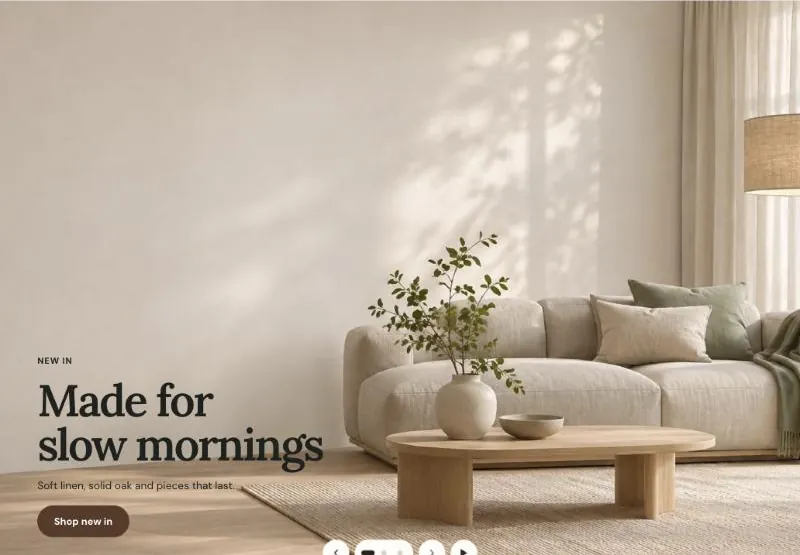
Slideshow in the Warm demo store
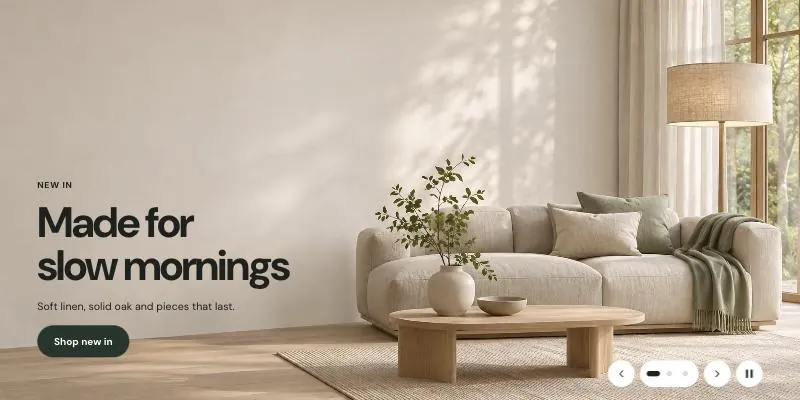
WarmSlideshowFull-width slides with arrows, dots and a pause button.

Also possible

Slideshow width: Full width, shown in the Alcove preset
Alcove presetNot in the demosSlideshow width: Full widthControls: Arrows and dots, right. Text at the bottom.

Collections and products

Ways to send shoppers into your catalog from the home page.

Read the docs for Collections and products
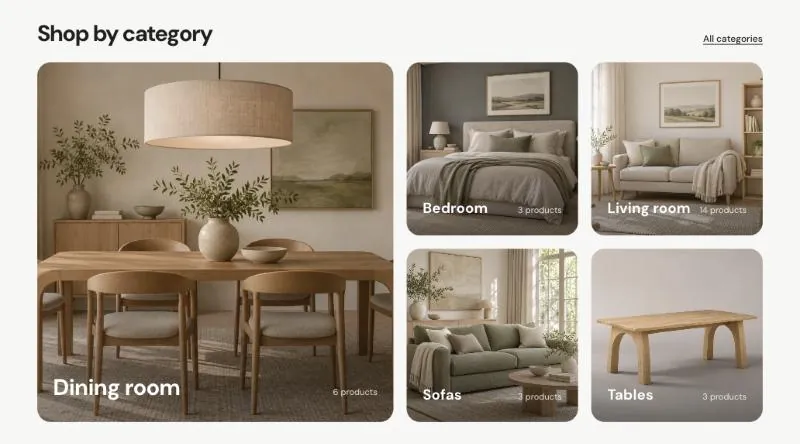
Collection mosaic in the Alcove demo store
AlcoveCollection mosaicOne large tile beside four small ones.
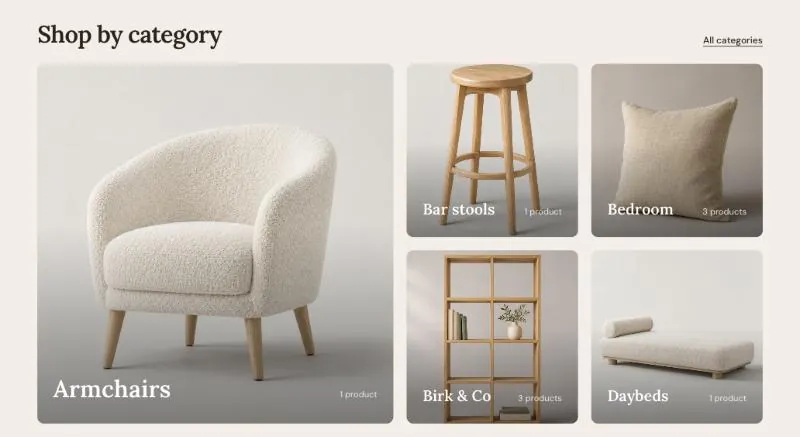
Collection mosaic in the Warm demo store
WarmCollection mosaicSame mosaic with serif titles.
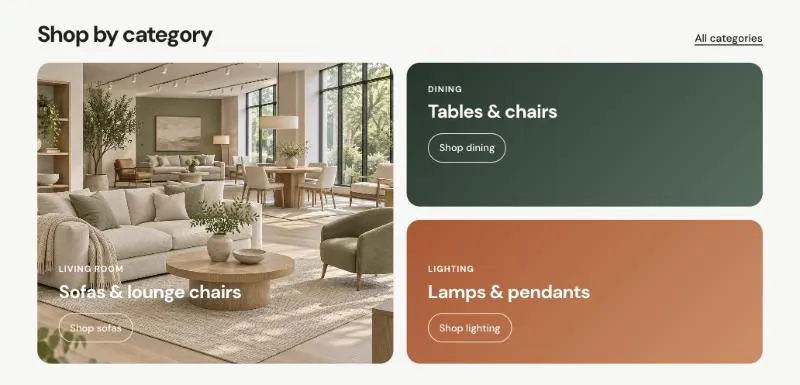
Banner grid in the Alcove demo store
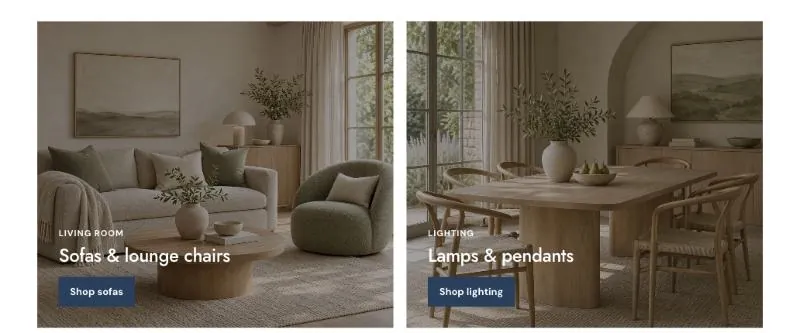
AlcoveBanner gridImage banners with a label, title and button.
Banner grid in the Nordic demo store
NordicBanner gridTwo banners side by side.
Collection links in the Nordic demo store
NordicCollection linksA heading with a row of collection buttons.
Featured products in the Alcove demo store
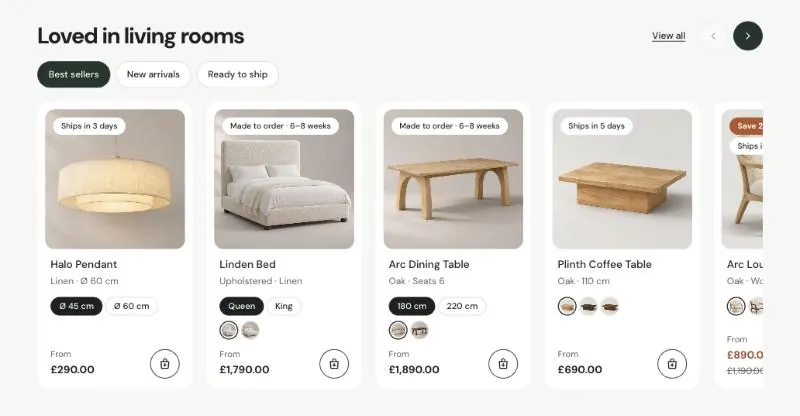
AlcoveFeatured productsTabs switch between collections in a carousel.
Featured products in the Warm demo store
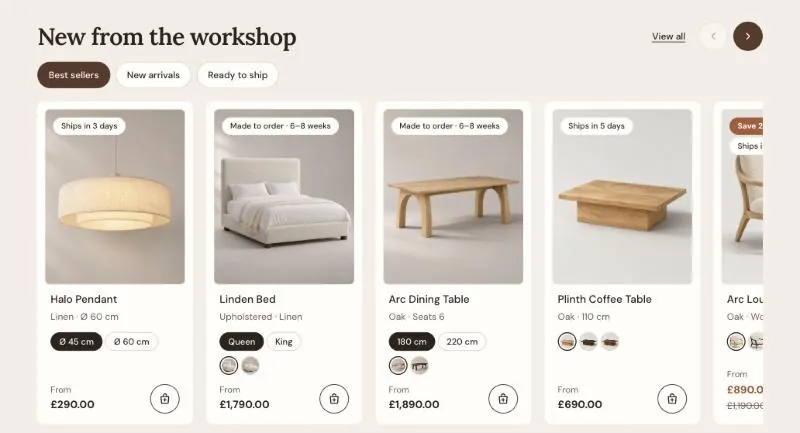
WarmFeatured productsSame carousel with delivery badges on cards.
Featured products in the Nordic demo store
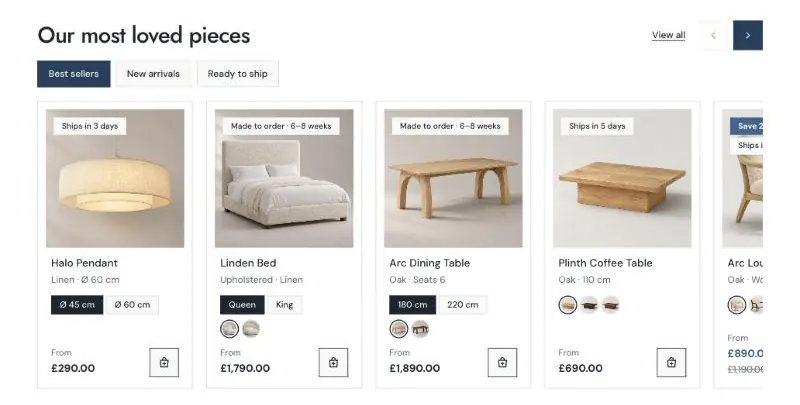
NordicFeatured productsSquare cards with size and fabric swatches.
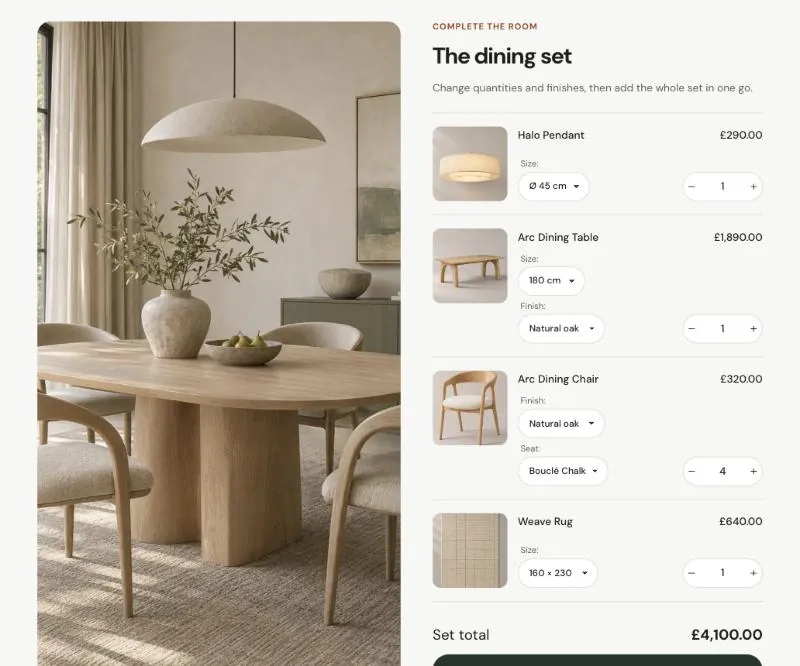
Product set in the Alcove demo store
AlcoveProduct setPieces that go together, added to the cart at once.
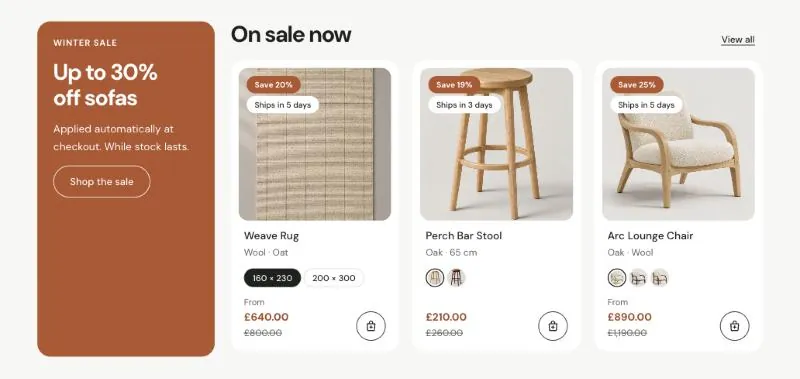
Promotion with products in the Alcove demo store
AlcovePromotion with productsA sale banner next to the products on sale.

Also possible

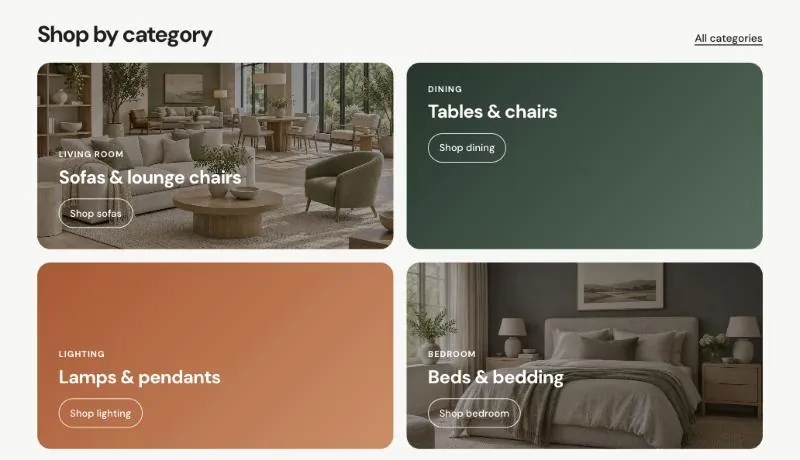
Banner grid layout: 4, two by two, shown in the Alcove preset
Alcove presetNot in the demosBanner grid layout: 4, two by twoHeight: Small. One banner uses a color gradient instead of a photo.
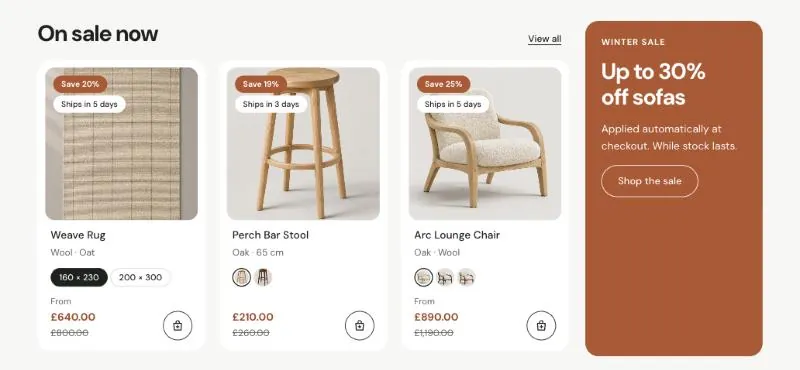
Promotion with products: Right, shown in the Alcove preset
Alcove presetNot in the demosPromotion with products: RightThe promotion card sits after the products.

Story and trust

Sections that explain who you are and why to buy from you.
Read the docs for Story and trust
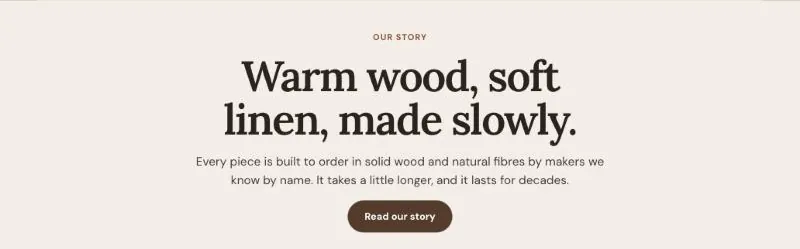
Rich text in the Warm demo store
WarmRich textA centered heading, text and button.
Marquee in the Warm demo store
WarmMarqueeA scrolling strip of short promises with icons.
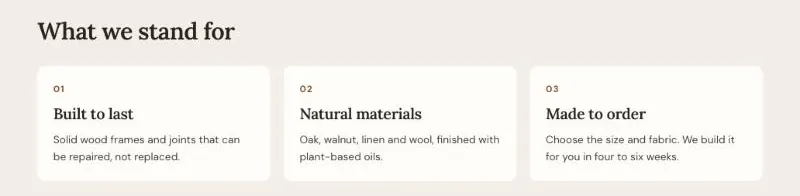
Numbered list in the Warm demo store
WarmNumbered listThree points with numbers.
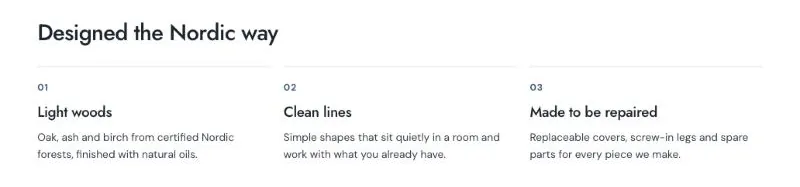
Numbered list in the Nordic demo store
NordicNumbered listSame list with divider lines.
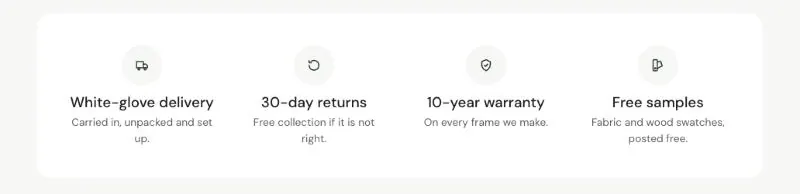
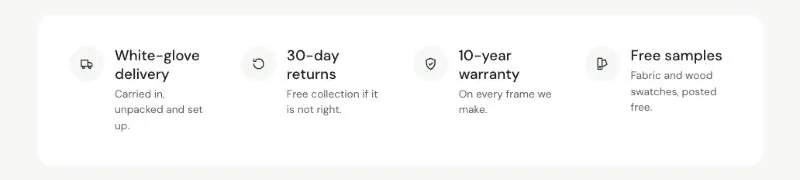
Trust badges in the Alcove demo store
AlcoveTrust badgesDelivery, returns, warranty and samples.
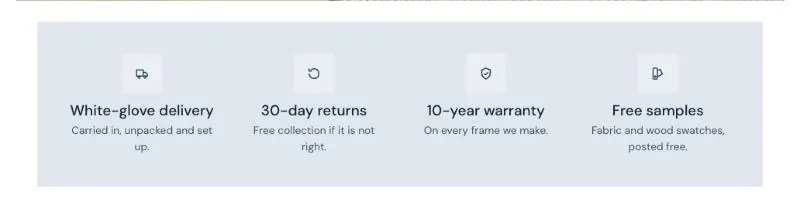
Trust badges in the Nordic demo store
NordicTrust badgesIcons in square tiles on a tinted panel.
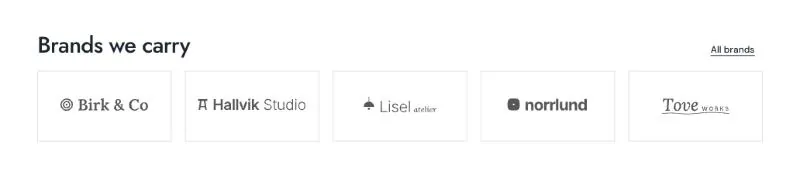
Brand list in the Alcove demo store
AlcoveBrand listLogos of the brands you carry.
Brand list in the Nordic demo store
NordicBrand listLogos on square tiles.
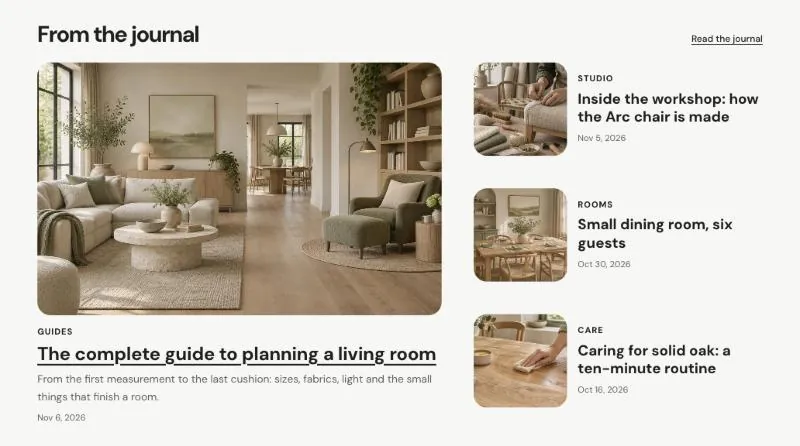
Featured journal in the Alcove demo store
AlcoveFeatured journalOne large article beside three smaller ones.
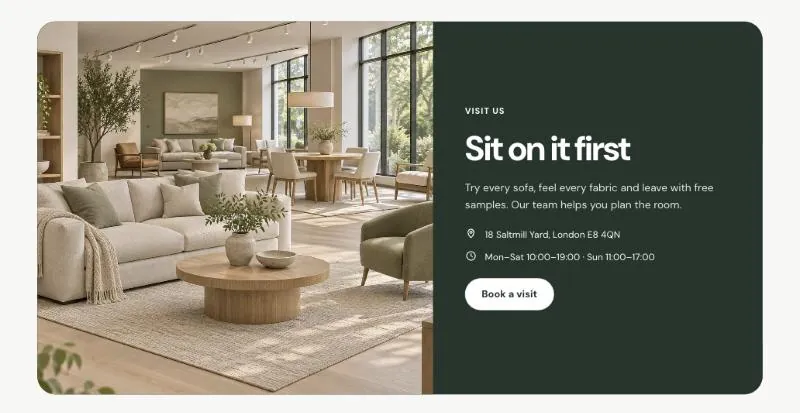
Showroom in the Alcove demo store
AlcoveShowroomAddress, opening hours and a photo of your space.

Also possible

Marquee size: Large, shown in the Warm preset
Warm presetNot in the demosMarquee size: LargeLonger promises read well at this size.
Trust badges layout: Icon beside text, shown in the Alcove preset
Alcove presetNot in the demosTrust badges layout: Icon beside textTakes less height than the stacked layout.
Brand list tile style: Outline, shown in the Nordic preset
Nordic presetNot in the demosBrand list tile style: OutlineLogo style: Gray, color on hover.

Product page

Gallery, variants, delivery dates and everything below the buy button.
Read the docs for Product page
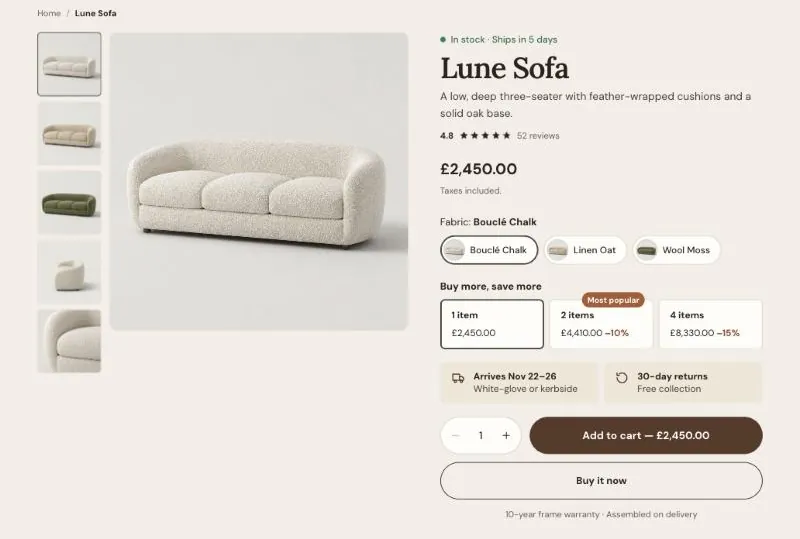
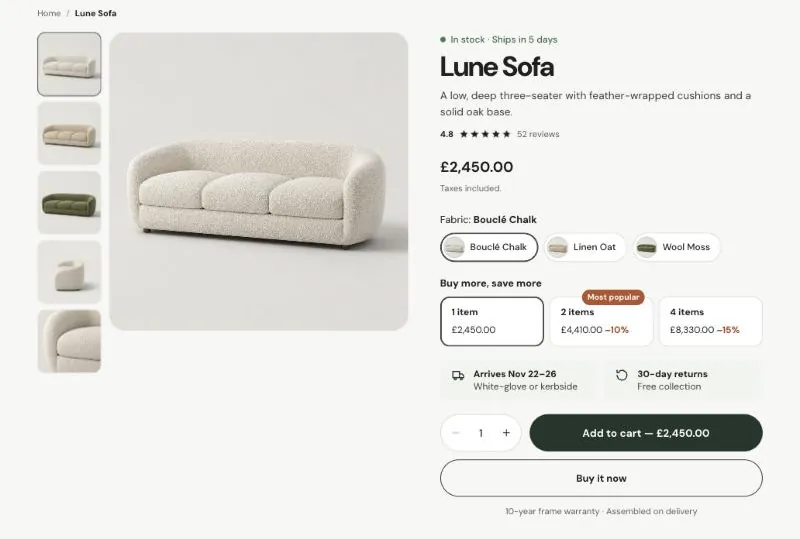
Product in the Alcove demo store
AlcoveProductThumbnails on the left, swatches, quantity breaks and delivery estimate.
Product in the Warm demo store
WarmProductSame page in the Warm preset.
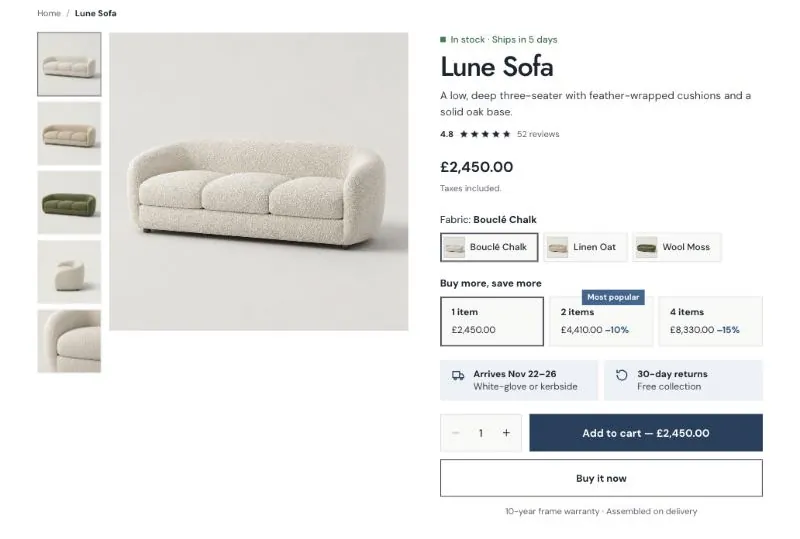
Product in the Nordic demo store
NordicProductSquare swatches and buttons.
Bought together in the Nordic demo store
NordicBought togetherPick the extra pieces and add them all with one button.
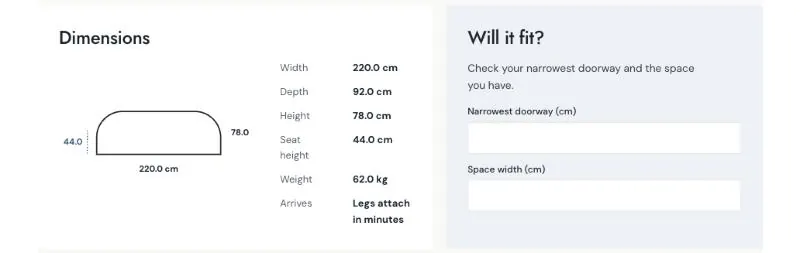
Dimensions in the Nordic demo store
NordicDimensionsA drawing with sizes, plus a doorway check.
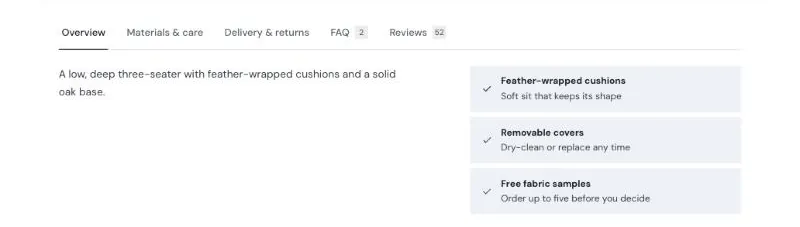
Product tabs in the Nordic demo store
NordicProduct tabsOverview, care, delivery, FAQ and reviews in tabs.

Product cards

The same card is used in every grid and carousel.
Read the docs for Product cards
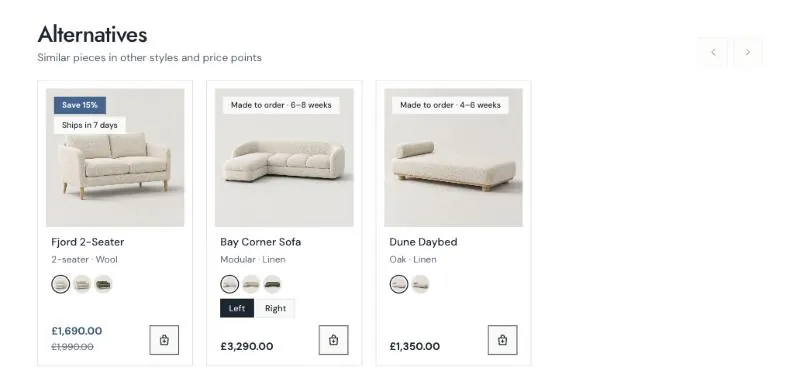
Product recommendations in the Nordic demo store
NordicProduct recommendationsBadges, swatches, size buttons and quick add on each card.
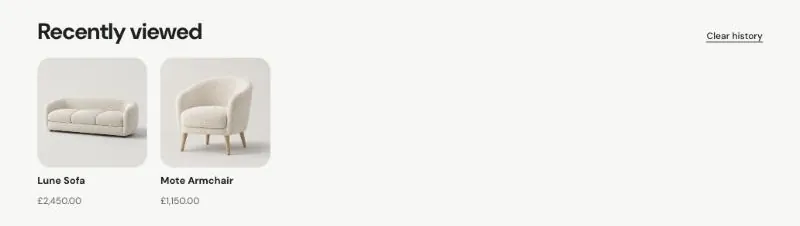
Recently viewed in the Alcove demo store
AlcoveRecently viewedThe last pieces a shopper looked at, with a clear button.

Collection page

Filters on the left, products in a grid or a list.
Read the docs for Collection page
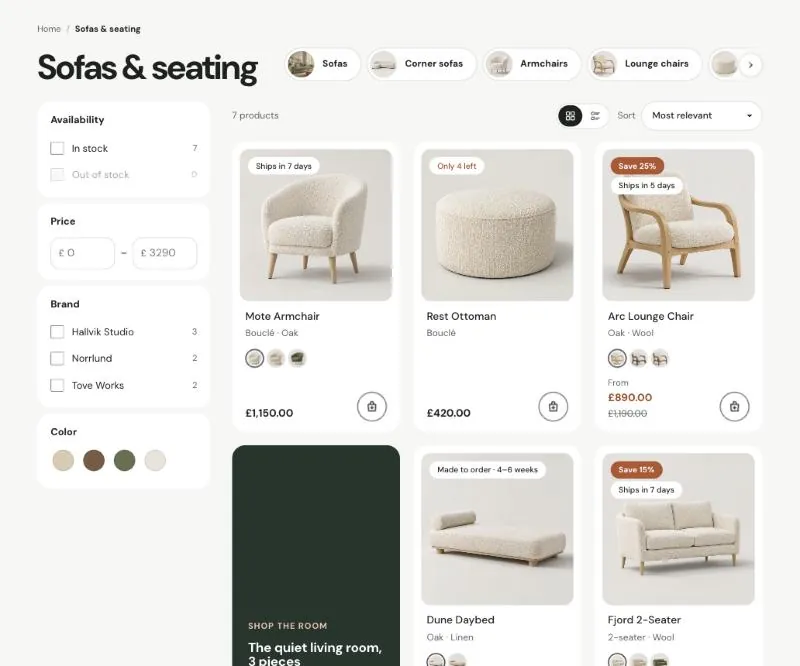
Default layout: Grid in the Alcove demo store
AlcoveDefault layout: GridFilters, collection buttons and a promo tile in the grid.
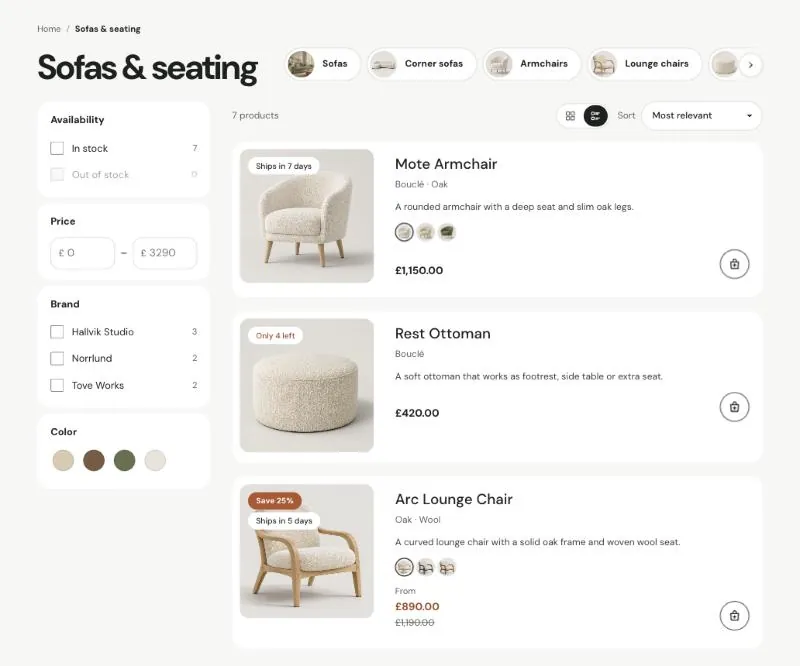
Default layout: List in the Alcove demo store
AlcoveDefault layout: ListBigger rows with a short description.
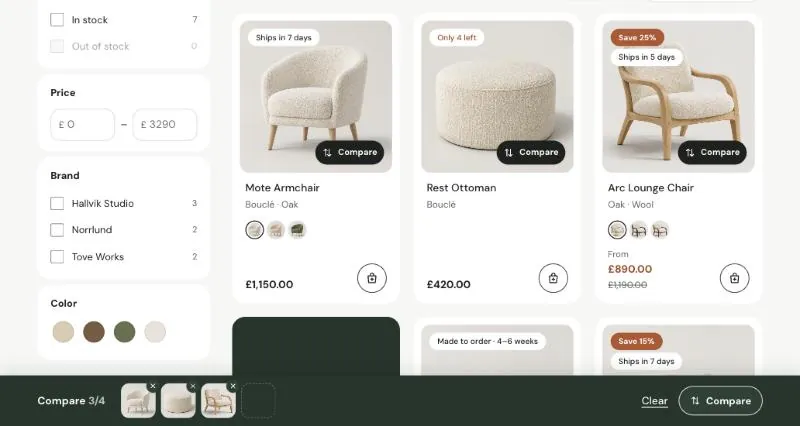
Compare in the Alcove demo store
AlcoveCompareShoppers tick up to four products to compare.
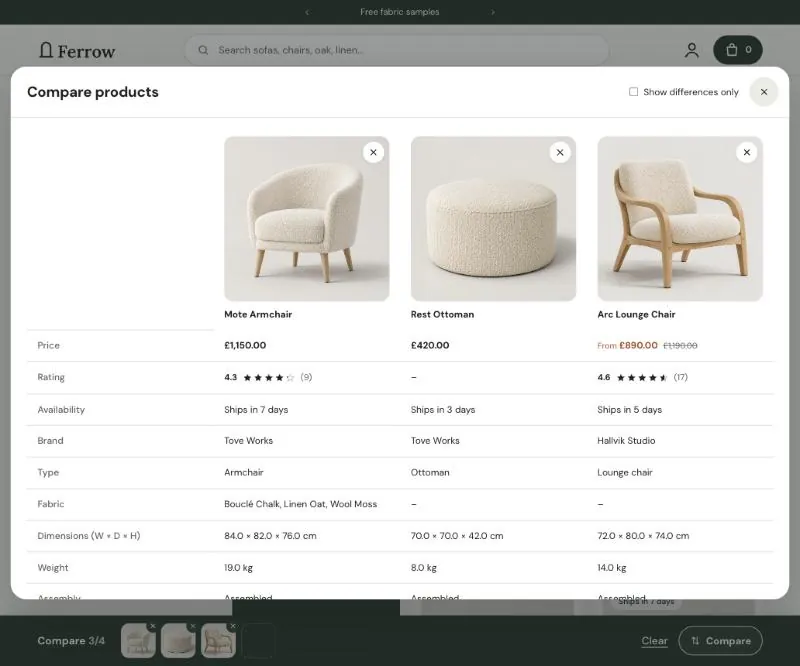
Compare in the Alcove demo store
AlcoveComparePrice, rating, size and weight side by side.

Cart

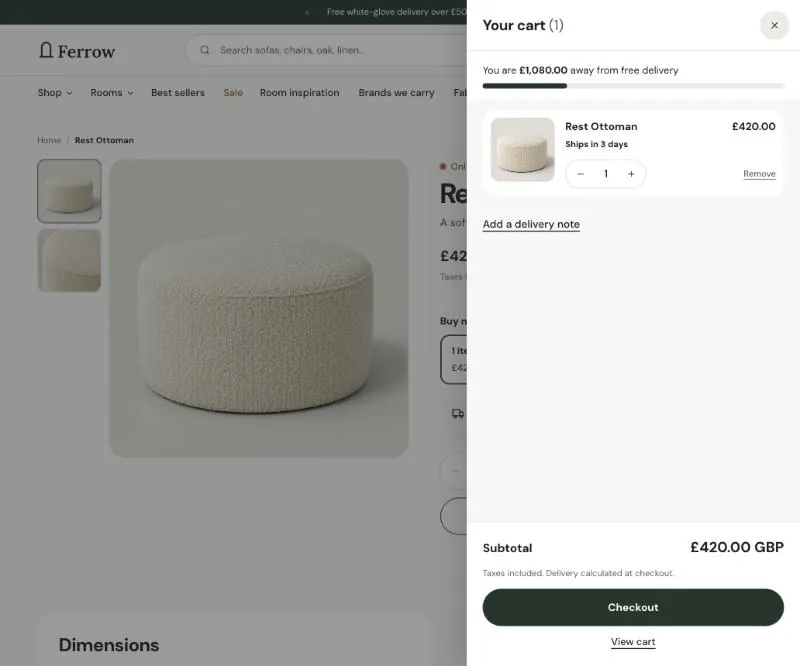
A drawer that opens on add to cart, and a full cart page.
Read the docs for Cart
Cart drawer in the Alcove demo store
AlcoveCart drawerFree delivery progress, delivery note and checkout.
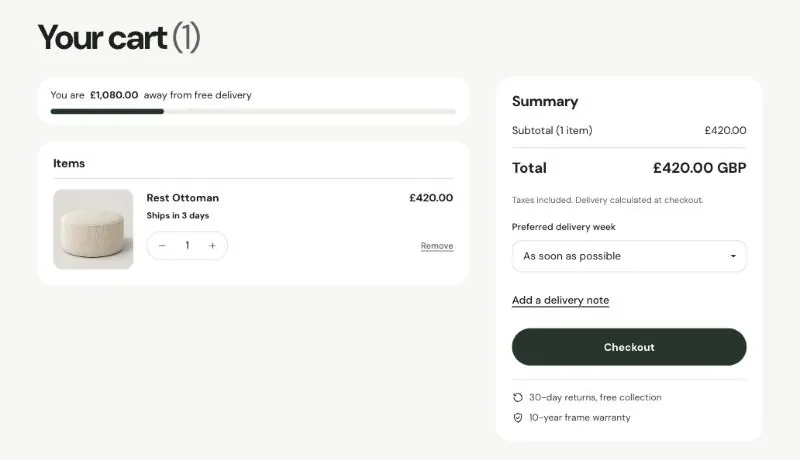
Cart in the Alcove demo store
AlcoveCartSummary with a preferred delivery week.

Countdown

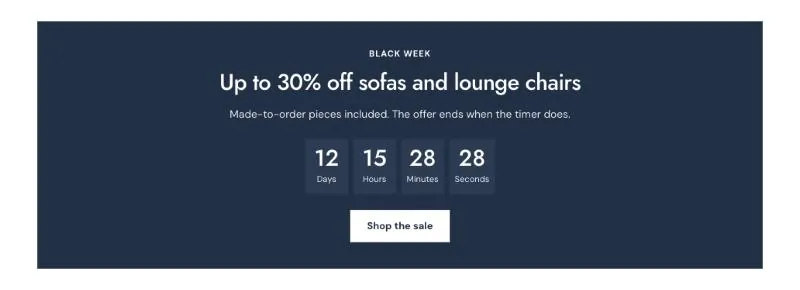
A timer for a sale. It can hide itself or show a message when it ends.
Read the docs for Countdown
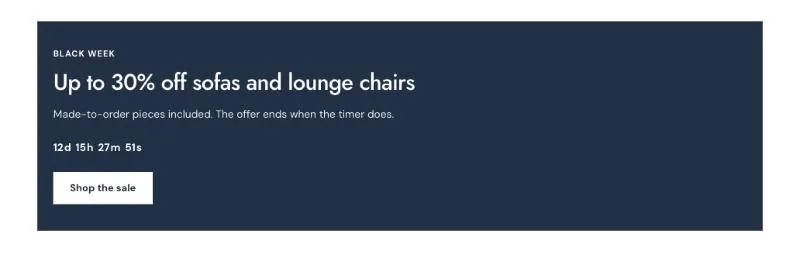
Layout: Banner in the Nordic demo store
NordicLayout: BannerTimer style: Boxes. Inside the page width.
Layout: Banner in the Nordic demo store
NordicLayout: BannerTimer style: Single line. Alignment: Left.
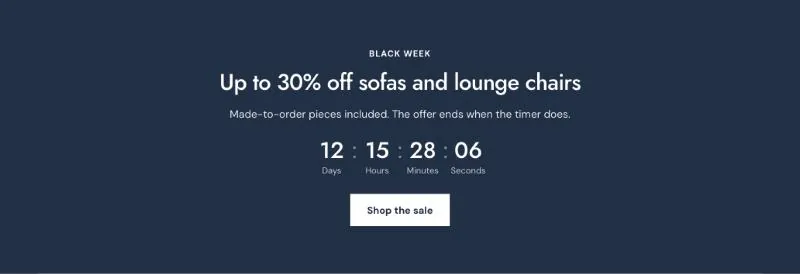
Layout: Banner in the Nordic demo store
NordicLayout: BannerTimer style: Large numbers. Full width: on.

Also possible

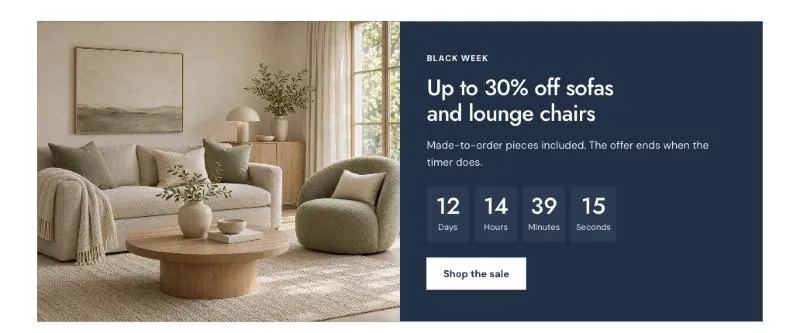
Layout: Image and text, shown in the Nordic preset
Nordic presetNot in the demosLayout: Image and textImage position: Left.
Layout: Slim bar, shown in the Nordic preset
Nordic presetNot in the demosLayout: Slim barOne line with the timer and a button. Fits above or below any section.

FAQ

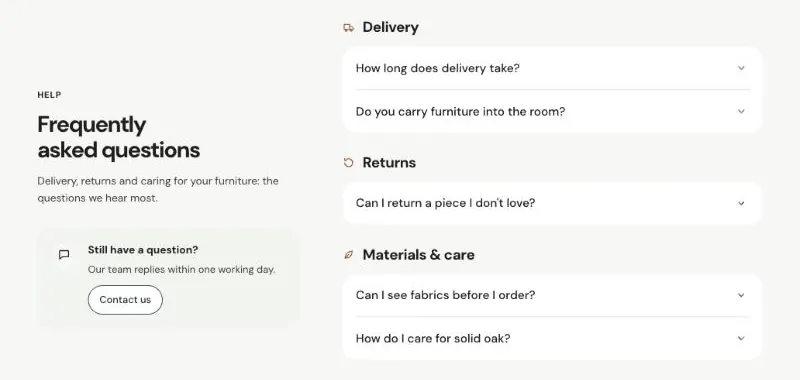
Questions grouped under headings with icons. Works on any page.
Read the docs for FAQ
Layout: Split in the Alcove demo store
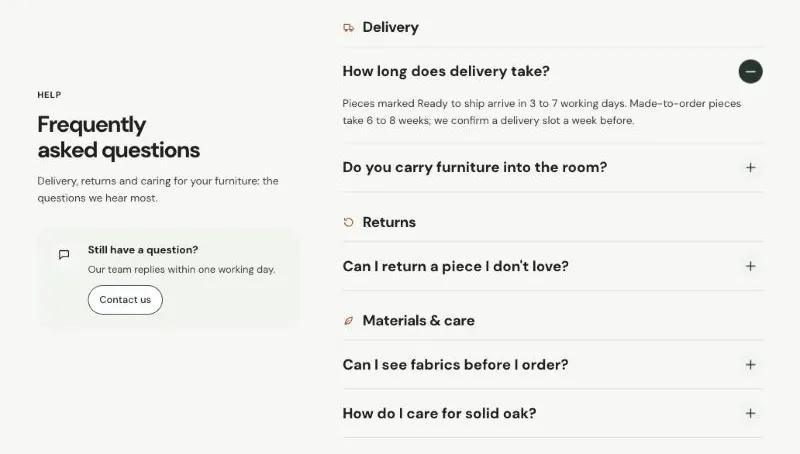
AlcoveLayout: SplitQuestion style: One boxed panel. Icon: Chevron.
Layout: Stacked in the Alcove demo store
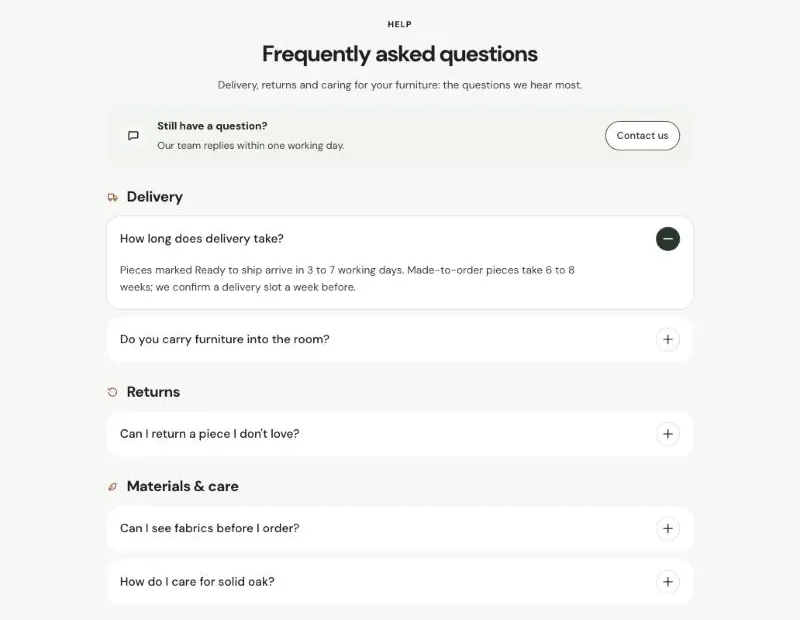
AlcoveLayout: StackedQuestion style: Separate cards. Icon: Plus and minus, Circle outline.
Layout: Two columns in the Alcove demo store
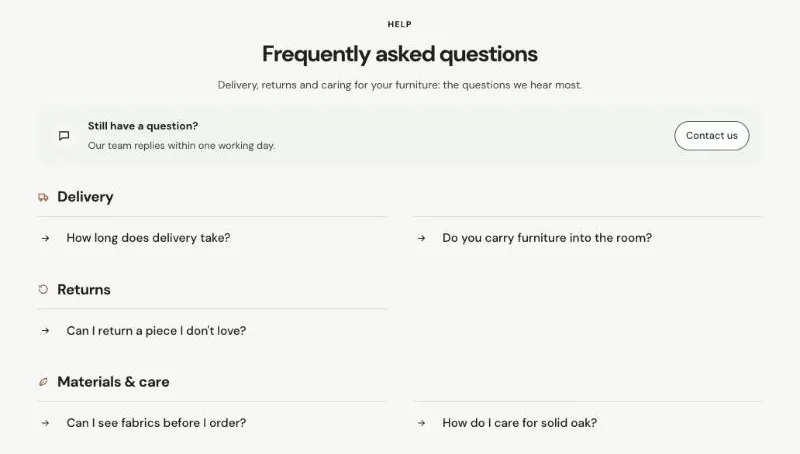
AlcoveLayout: Two columnsQuestion style: Divider lines. Icon: Arrow on the left.

Also possible

Question size: Large, shown in the Alcove preset
Alcove presetNot in the demosQuestion size: LargeIcon: Plus and minus, Filled circle. Question style: Divider lines.

Try them in your own store

Open a demo store to click through these sections, or read how to set each one up.